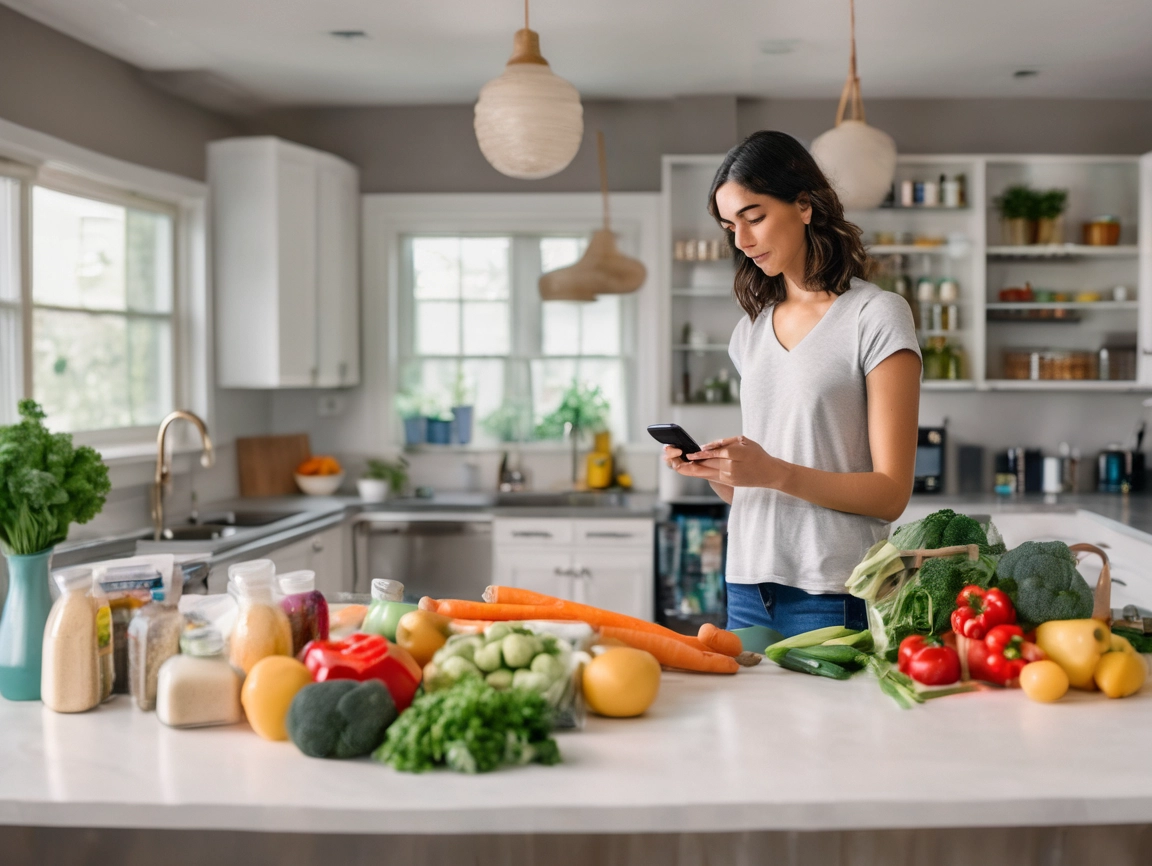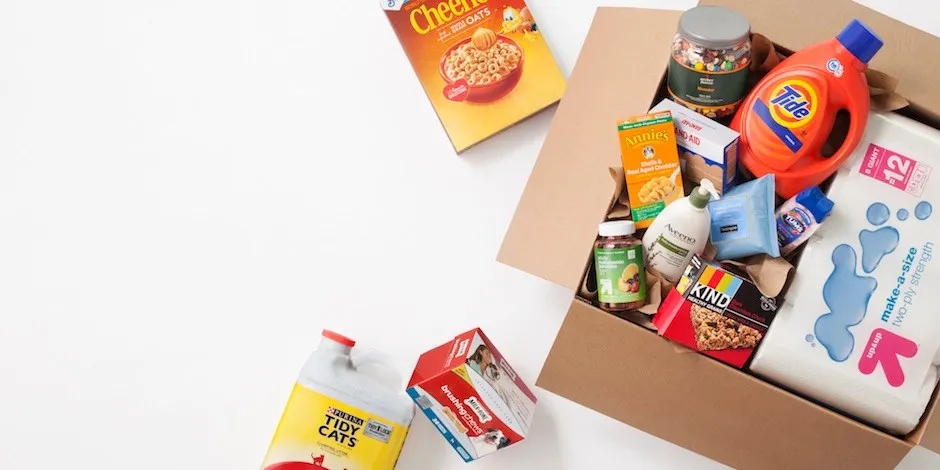
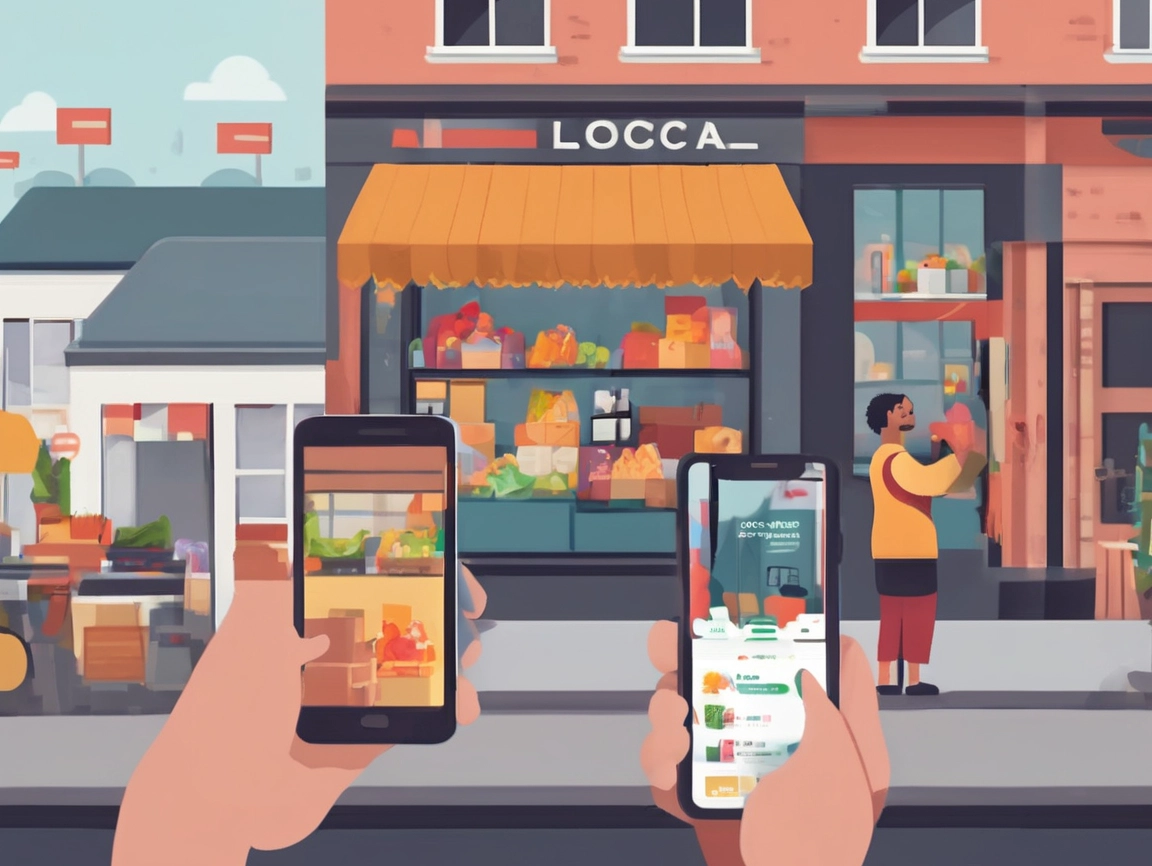
Caption: Delivery marketplaces turn local foot traffic into citywide reach.
The new customer journey is hybrid
Customers now discover brands on their phones, compare on the fly, and expect delivery as a default — even for basics. For small businesses, that’s both a challenge and an opportunity: how do you maintain your neighborhood identity while reaching more customers and fulfilling on-demand?
GDROP positions itself as a platform that connects people to groceries, meals, snacks, and essentials with fast, reliable delivery — and it invites local businesses to list on the app to reach more customers.
What partnering with GDROP can unlock
Caption: Keep the vibe — add a digital front door.
Based on GDROP’s published descriptions:
- Access to local demand in one place
Consumers already browsing the app for everyday needs can discover your store or menu. - Tools that make selling simpler
The GDROP merchant experience highlights inventory management, sales tracking, and customer reach tools to help you grow. - Frictionless ordering
Customers download the app, browse stores/restaurants, add to cart, checkout — reducing steps that can cause churn. - Brand presence, not just a listing
Merchants can present their assortment with images, descriptions, and pricing so customers know exactly what to expect (confirm specifics in the merchant dashboard).
A simple framework to evaluate marketplace ROI
Use C.A.S.H. to assess whether listing on GDROP adds value:
- Coverage – How many neighbourhoods can you reach today vs via the marketplace?
- Acquisition – What’s your CAC (customer acquisition cost) in-store vs in-app?
- Spend – Does average basket size grow when customers can add household items or desserts with one tap?
- Habit – Are repeat rates higher with app-native reorders and purchase history?
Even baseline uplift in reach + repeats can change weekly revenue shape — especially for cafés and grocers with strong “everyday” appeal.
Operational tips for winning on GDROP
- Merchandise for mobile
- Lead with hero items: your top 12 sellers should appear above the fold.
- Use clear, appetizing photos and short, specific titles.
- Bundle value
- Create meal kits (e.g., pasta + sauce + salad).
- Offer household bundles (milk + bread + eggs) for grocers.
- Small “add-ons” at checkout raise AOV without harming conversion.
- Guard your margins intelligently
- Promote a few high-margin hero items each week.
- Use size tiers (small/regular/large) to match price sensitivity.
- Keep inventory tight
- Out-of-stocks erode trust. Use the merchant tools for inventory control and sales tracking to keep your digital shelves accurate.
- Nail the unboxing
- Clean packaging, tamper-seals for hot food, and a friendly note invite reorders.
Menu and assortment ideas that play well in delivery
- Cafés: breakfast boxes, barista-at-home bundles (beans + filters), office snack packs
- Bakeries: daily pastry packs, weekend brunch kits
- Butchers: grill kits, “freezer-friendly” family bundles
- Grocers: produce staples, fresh meal kits, “midweek rescue” packs
- Specialty shops: tasting flights, discovery sets, seasonal gift boxes
Local marketing: amplify your GDROP listing
- “Find us on GDROP” badges on storefront windows and social posts
- QR to cart: link directly to a curated bundle
- Repeat rewards: include a card with a reorder QR and a thank-you
Combine this with your Google Business Profile updates and Instagram Stories to remind locals they can get your goods today, not “someday.”
Data feedback loop: from orders to optimization
Every marketplace order is a data point. Look for:
- Time-of-day peaks → schedule staff accordingly.
- Add-on frequency → which cross-sells stick?
- Refund/complaint patterns → fix packaging or prep steps.
GDROP references merchant tools to track sales and engage customers, which helps close the loop between digital demand and in-store ops.
Case snapshot (illustrative)
A suburban bakery lists on GDROP with a “Morning Box” (4 pastries + 2 coffees) and “Weekend Brunch Kit”.
- Week 1: 38 orders (AOV $22)
- Week 3 (with bundles): 71 orders (AOV $29)
- What changed: prominent bundles, better photos, and a reorder QR included in each bag.
Note: figures are fictional for demonstration — use your merchant dashboard to track real results.
Getting started
- Download the GDROP merchant app (Android) and review partner information.
- Curate your first 30 SKUs (or a tight menu) — keep it focused.
- Shoot simple, clean photos (natural light, plain background).
- Create two bundles (value + premium).
- Launch quietly for a week to iron out ops, then promote: “We’re now on GDROP.”
CTA: Ready to bring your store to more doorsteps? Explore GDROP’s merchant tools to manage inventory, track sales, and reach new customers.