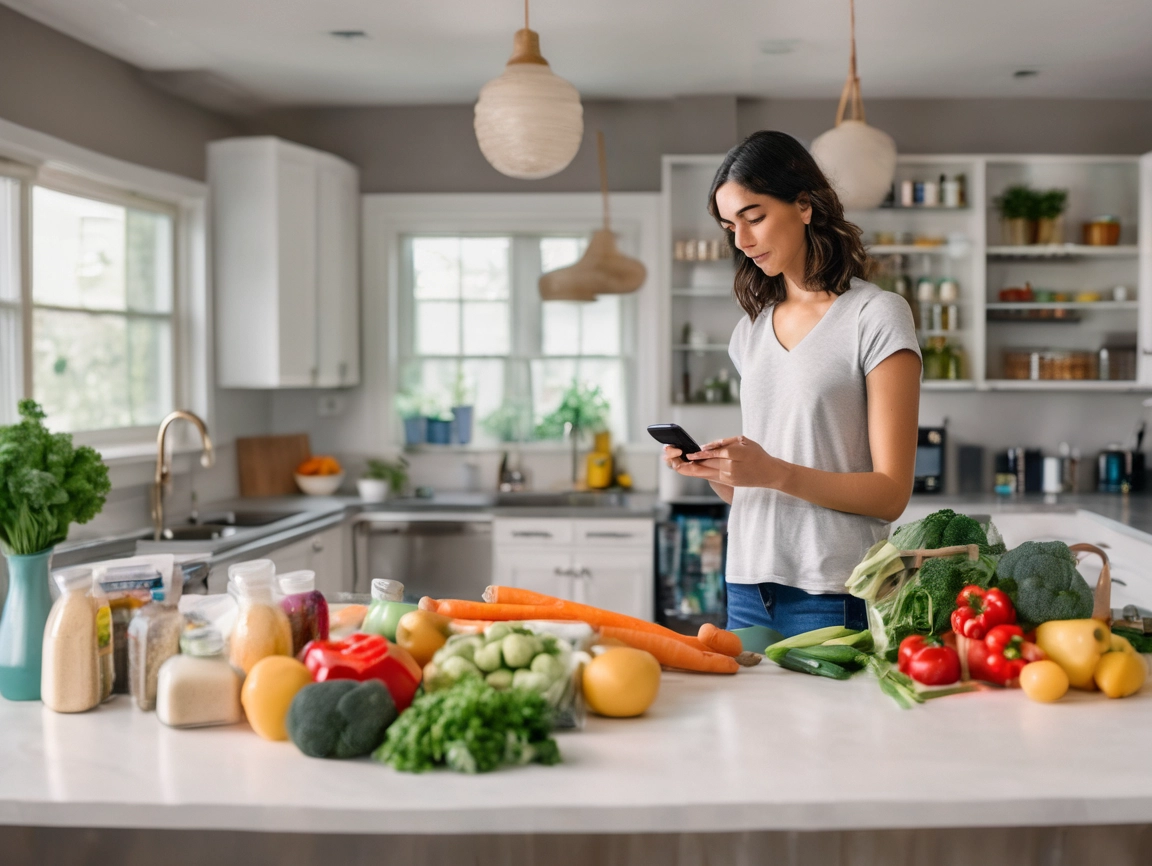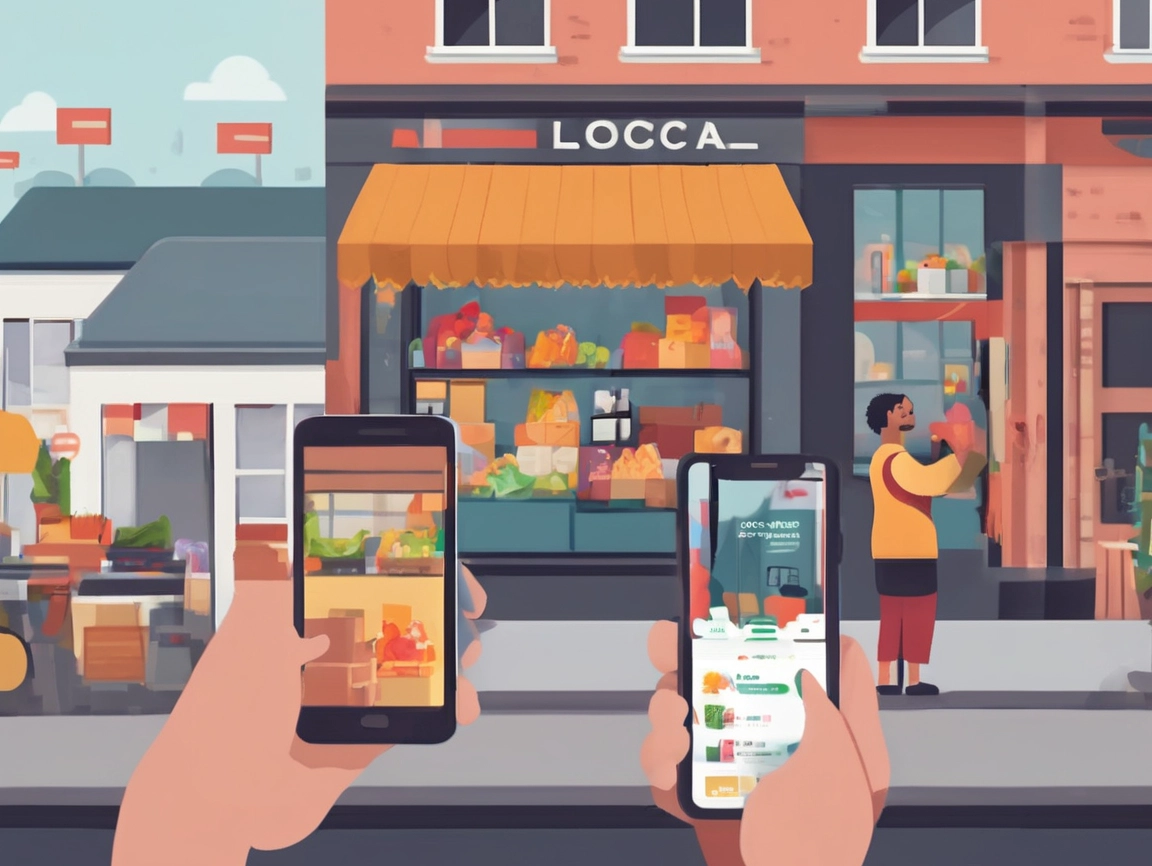
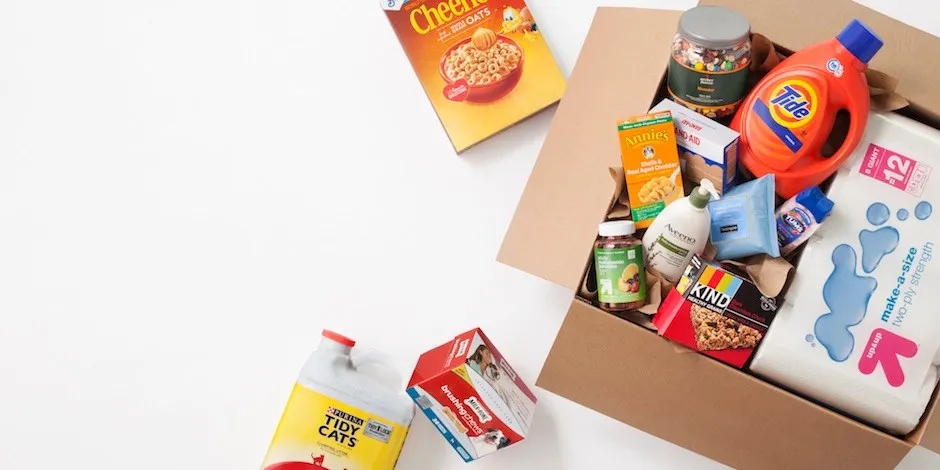
Caption: Essentials on your schedule, not the other way around.
What is GDROP?
GDROP is a delivery marketplace that helps you order groceries, restaurant meals, snacks, and everyday essentials to your home or office with just a few taps. The app experience is designed to be quick: download the app → browse stores/restaurants → add to cart → checkout.
The service positions itself around fast, reliable delivery and a simple checkout flow so you can spend less time running errands and more time living your life.
Getting started in 5 minutes
- Install GDROP on your phone (iOS or Android).
- Create an account and set your delivery address.
- Browse by category — groceries, meals, snacks, essentials.
- Add items to your cart and review substitutions (if offered by the store).
- Choose delivery details and check out.
Tip: Save your favourite stores and usual items so reordering takes seconds next time.
What you can (and should) order
- Fresh groceries: fruits, veg, dairy or plant-based alternatives, meat, bakery
- Pantry staples: pasta, rice, sauces, spices, tinned goods, baking supplies
- Household essentials: paper goods, cleaning products, dish tabs, laundry detergent
- Snacks & beverages: from sparkling water to Friday-night treats
- Ready-to-eat meals: choose a partner restaurant for nights when time is tight
GDROP’s About page underscores its mission to connect people with essentials and meals delivered — perfect for filling a full weekly shop or topping up midweek.
Smart ordering by life stage and lifestyle
Families
- Build a “staples” list and reorder weekly.
- Bulk + fresh balance: buy long-life items in bulk; keep produce orders flexible.
- Kid-friendly backups: frozen veg, dumplings, and a pasta kit for emergencies.
Young professionals / students
- Micro shops: order 3–4 dinners + snack pack; avoid overbuying.
- Meal-prep boosters: pre-cooked grains, salad kits, rotisserie chicken.
Seniors
- Safety-first delivery and clear instructions on where to leave the order.
- Caregiver lists: shared lists so family can add essentials remotely.
Dietary needs
- Create tags/notes in your phone (e.g., gluten-free, dairy-free).
- Check ingredients on product pages and store menus.
Delivery timing: when to place your order
- Morning deliveries: best for fresh bakery and same-day produce top-ups.
- Evening deliveries: align with post-work meal plans and restocks.
- Weekend windows: schedule Saturday morning for the week ahead.
You can place orders directly in the GDROP app; the order flow is designed to be quick and intuitive. Check the app for the stores and restaurants active in your area at any given time.
Building a foolproof weekly flow
Sunday (or your chosen day):
- Set your week’s anchors (3 dinners).
- Add pantry and household staples.
- Pick one restaurant meal via GDROP as your “rescue” night.
Midweek (10 minutes):
- Top up fresh produce or bread if needed.
- Add items you forgot to Sunday’s saved cart — then check out.
Friday:
- Use up leftovers; reward yourself with a dessert add-on.
Reducing waste and saving money without trying too hard
- Plan from your freezer first
Build meals around what you already have. - Smart substitutions
If your first-choice brand is unavailable, a substitute keeps your plan alive with minimal disruption (check store substitution options at checkout). - Cross-use ingredients
Greek yoghurt works for breakfast, sauces, and marinades; a roast chicken becomes sandwiches and soup. - Bundle buys
Look for store bundles (milk + bread + eggs), meal kits, or value packs — many merchants structure their digital menus for convenience and value.
What to do if something goes wrong
Caption: Clear notes and communication smooth out the rare hiccup.
- Incorrect items / missing items
Most issues are solved quickly when reported via the order details. Provide a photo if helpful. - Delivery instructions missed
Add concise, clear instructions to your address (e.g., “Level 2 via lift, unit on left”). Keep them short and specific. - Timing misfires
Build a small “pantry sprint” kit: dry pasta, jarred sauce, and frozen veg.
If you need help with the GDROP service itself, the Help & Support and FAQs pages provide guidance and contact info.
Accessibility & safety tips
- Leave at door options for privacy and health preferences.
- Clear paths for delivery (porch lights on at night).
- Allergies: keep a note with key allergens to avoid confusion.
The “better week” checklist
- Anchors chosen (3 dinners)
- One rescue meal selected via GDROP
- Staples restocked
- Breakfast + snack plan set
- Household essentials topped up
- Delivery window booked
CTA: Download GDROP, build your first smart cart, and make next week easier in under 10 minutes.